

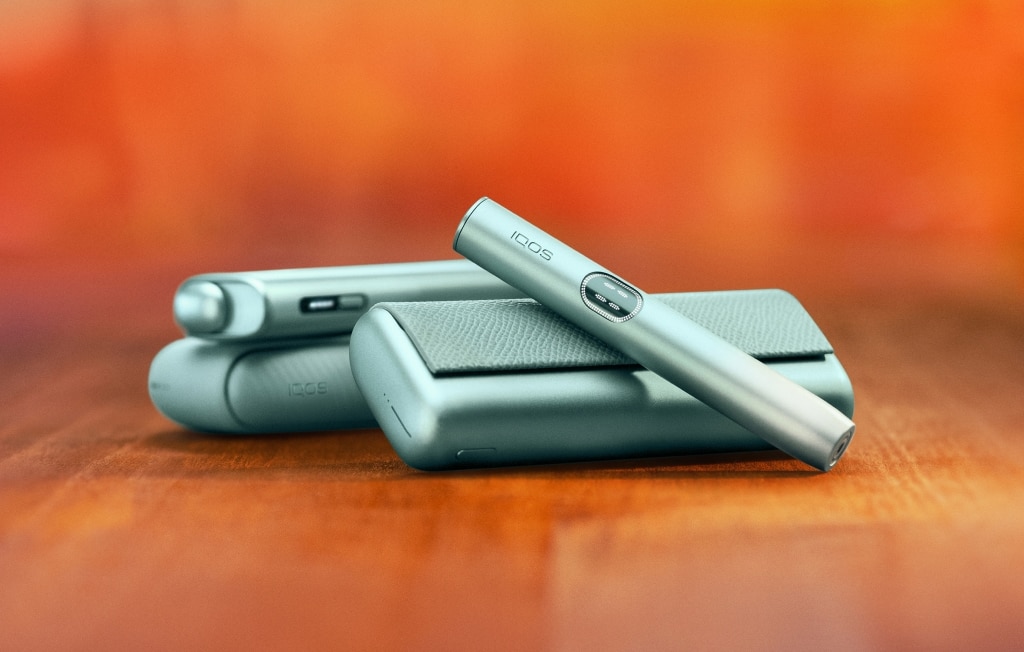


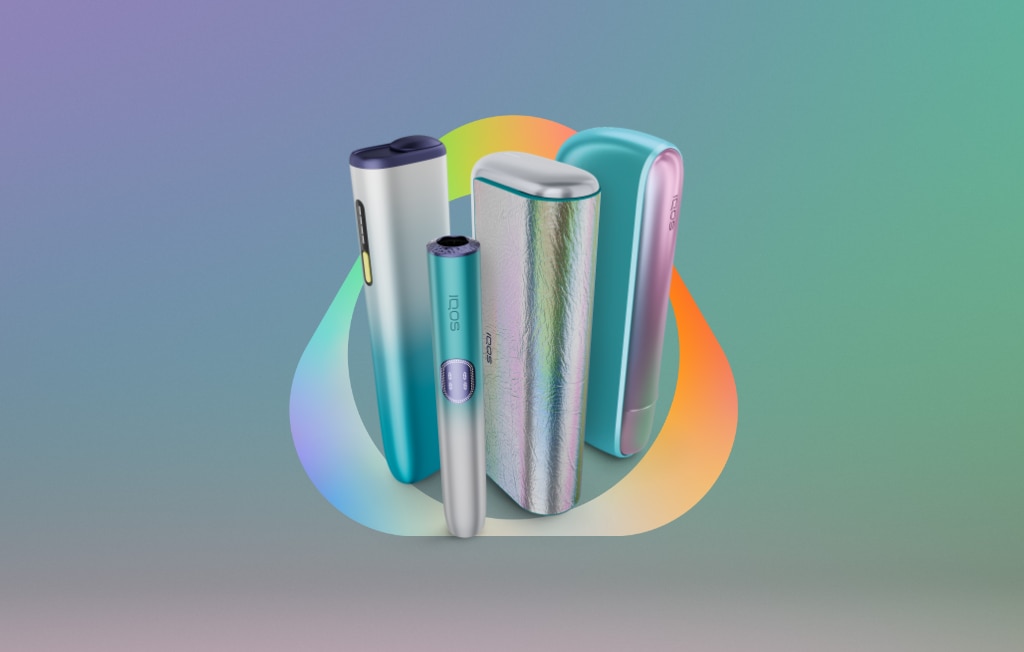


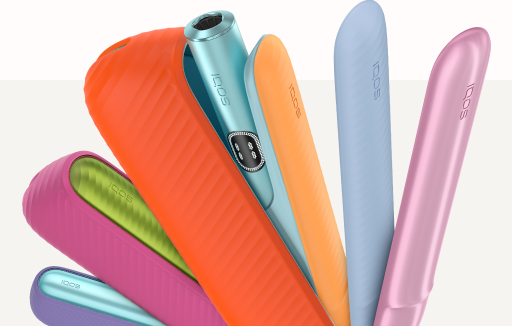

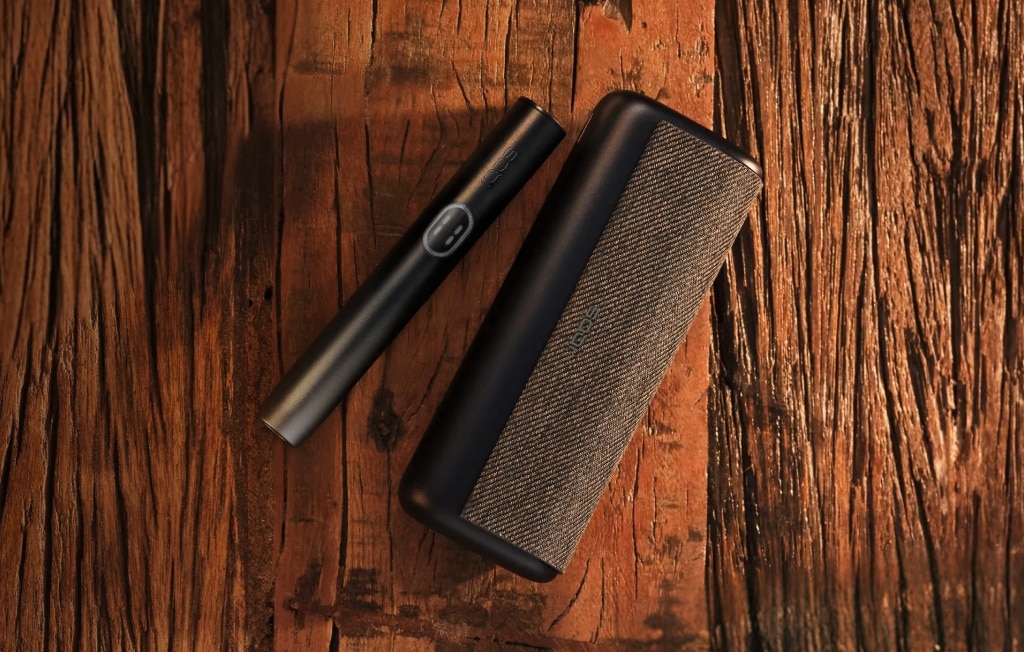


First steps with IQOS 2.4 Plus
How to use your IQOS 2.4 Plus
A quick step-by-step guide:
To begin your heated tobacco experience switching from cigarettes to IQOS, follow these simple steps.
1. Check if your IQOS 2.4 Plus Pocket Charger is turned on by pressing the charger button for 1 second.
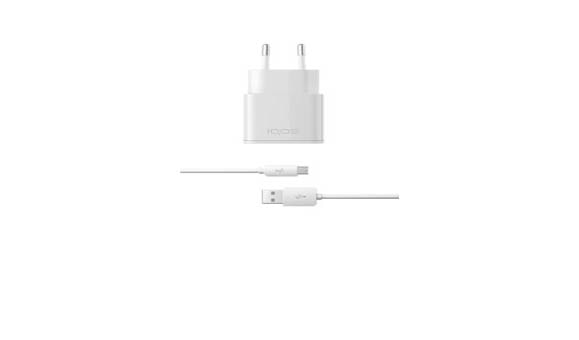
Lights are showing on your charger? You are ready to go. If not turn on the IQOS 2.4 Plus Pocket Charger by holding down the charger button for 4 seconds or charge your IQOS with the IQOS official cable and AC Power Adaptor.
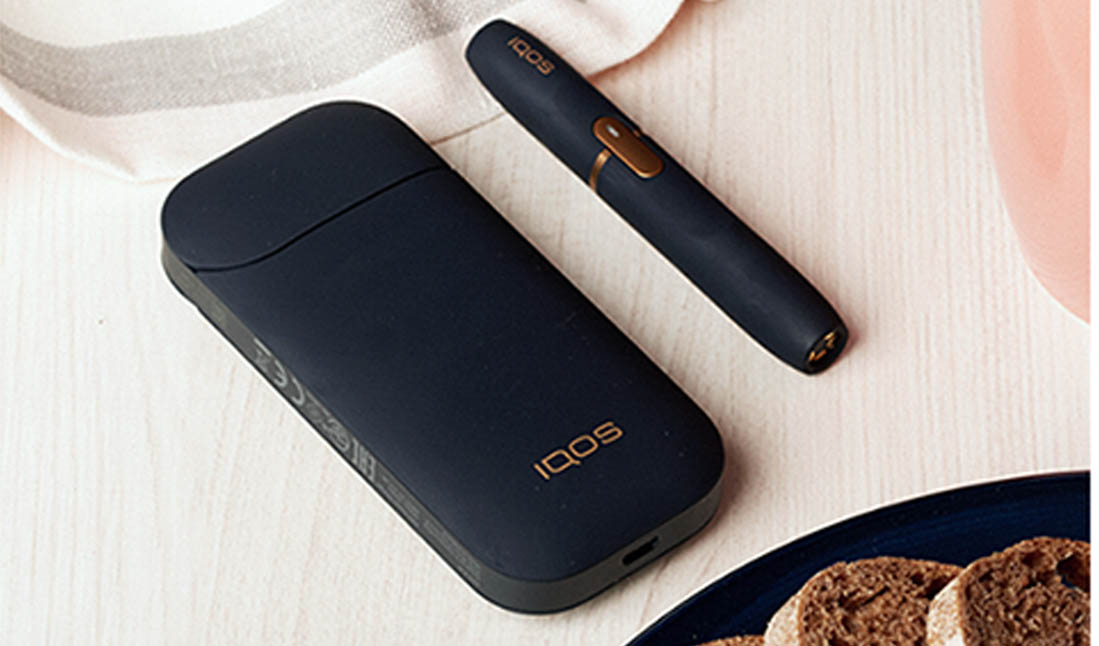
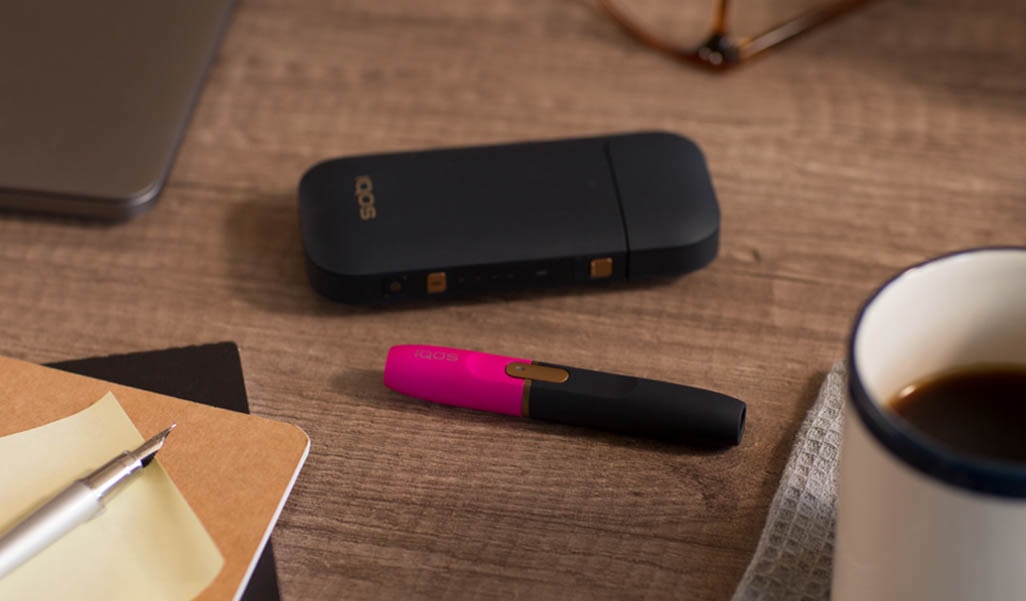
2. Open the hinge lid, insert the IQOS 2.4 Plus Holder into the charger, and close the hinge lid. Wait for the small light to flash. This means your IQOS 2.4 Plus Holder is charging
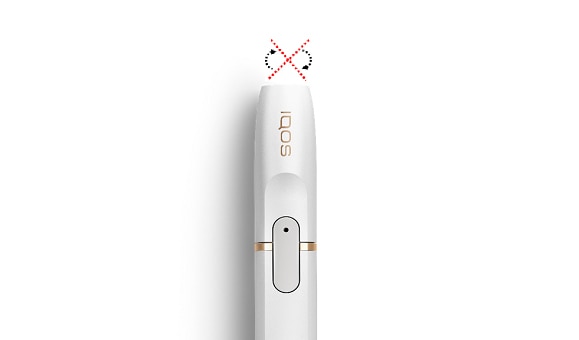
3. Take the holder out of the charger and gently insert the tobacco stick into the holder. (Remember not to twist the tobacco stick)
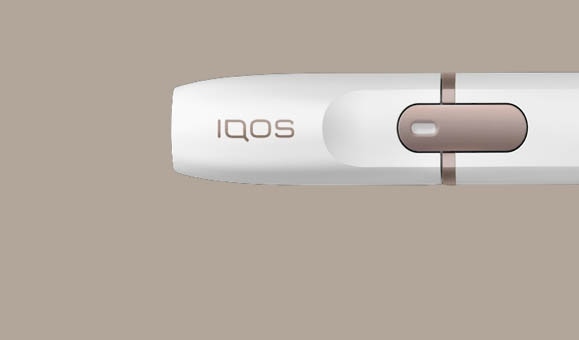
4. Press and hold the holder button. After one vibration, the holder light will pulse slowly. When the light stays solid white, your IQOS 2.4 Plus Holder is ready to use.
5. When the holder light fades out, your IQOS time has finished. But don’t worry, just remove the used tobacco stick, and recharge the holder.
How to charge your IQOS 2.4 Plus
1. You should charge your IQOS 2.4 Plus Holder after every use. To start, first remove the used tobacco stick.
2. Then put the holder in the charger and close the hinge lid. When the light flashes, that means the holder is charging.
3. Wait a few minutes and the small light should stop flashing. That means your holder is ready to go.
4. After using 20 tobacco sticks, recharge the charger with the IQOS official cable and AC Power Adaptor.
How to Clearn Your IQOS 2.4 Plus
Keeping your IQOS 2.4 Plus clean is important, especially if you want to have optimal taste experience
1. To start the cleaning process, leave your IQOS 2.4 Plus Holder to cool.
2. Take the cap off your IQOS 2.4 Plus Holder and tap the holder to free any loose tobacco stuck inside.
3. Now remove the lid from the IQOS cleaner. Insert it into the holder and rotate the cleaner.
4. From time to time, you should also use the IQOS cleaning stick to clean your IQOS 2.4 Plus Holder (use it gently).
5. Lastly, don’t forget to clean inside the IQOS 2.4 Plus Cap. It’s a good way ensure that you are getting the optimal taste experience.
Experiencing any issues with your IQOS 2.4 Plus?
Still have questions about IQOS?
We are here to help you across multiple channels

IQOS Email Support
Send us your query and we will respond as soon as possible.
Working hours: Monday - friday: 8 to 20h; saturday - sunday: 10 to 18h.

IQOS Phone Support
Want to speak to one of our IQOS support experts? Call us at 0800 9153
Working hours: Monday - friday: 8 to 20h; saturday - sunday: 10 to 18h.

IQOS Live Chat
Chat with one of our IQOS experts online.
Working hours: monday - friday: 8 to 20h; saturday - sunday: 10 to 18h.

IQOS on Facebook
Visit our IQOS Facebook page, we will respond as soon as possible
Working hours: monday-friday: 10 to 18h.

IQOS Viber
IQOS customer support on Viber is available through IQOS chatbot (24/7) and IQOS experts.
Working hours: monday - friday: 10 to 18h.

IQOS Frequently asked questions
Find all FAQs about IQOS device